MC
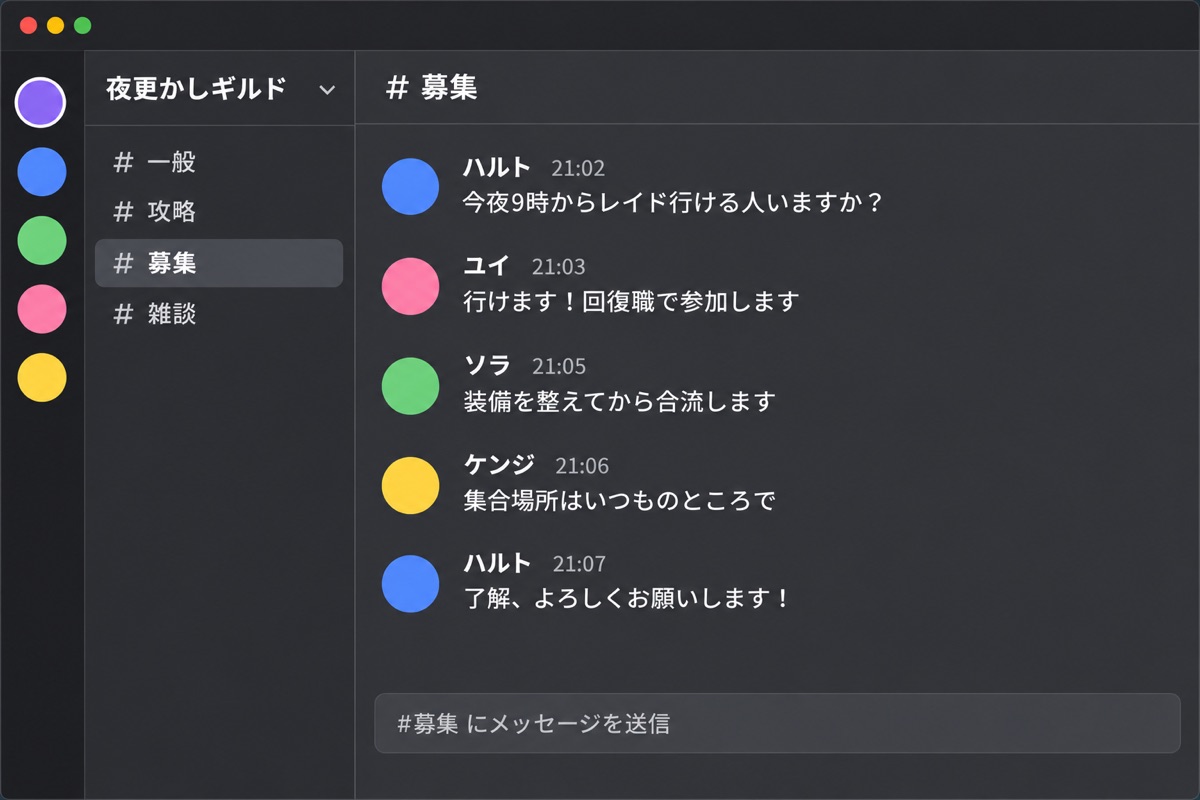
Morning! The beta build is up. Can everyone test the new sync before lunch?
Lay it over any app on your Mac. The text underneath changes language in place, and the app stays exactly as it was.
macOS 15 or later · Apple silicon and Intel · needs an activation code
Morning! The beta build is up. Can everyone test the new sync before lunch?
On it. Sync on my big library took 40 seconds instead of 90.
Found one issue: pinned notes jump to the bottom after a restart.
Here's the plan from this morning's whiteboard:
Drag me. Resize from the corner. Pick a language in the bar.
This page fakes the reading step with prepared translations. The Mac app reads the real text of whatever window is under the glass and translates it as you go.
Use cases
A chat, a form, a PDF, a game. If it is on your screen, the glass can sit on it.
The ones people ask about first.
 Slack
 Discord
 Microsoft Teams
 WhatsApp
 Telegram
 LINE
 WeChat
 Signal
 KakaoTalk
 Messenger
 Reddit
 Lark
 Notion
 Figma
 Linear
 ChatGPT
 Claude
and almost any other Mac app
App names and icons are trademarks of their owners. Transparent is an independent app and isn't affiliated with any of them.
Slack, Teams, Discord, WeChat. The others keep writing in their language; you read the channel in yours.
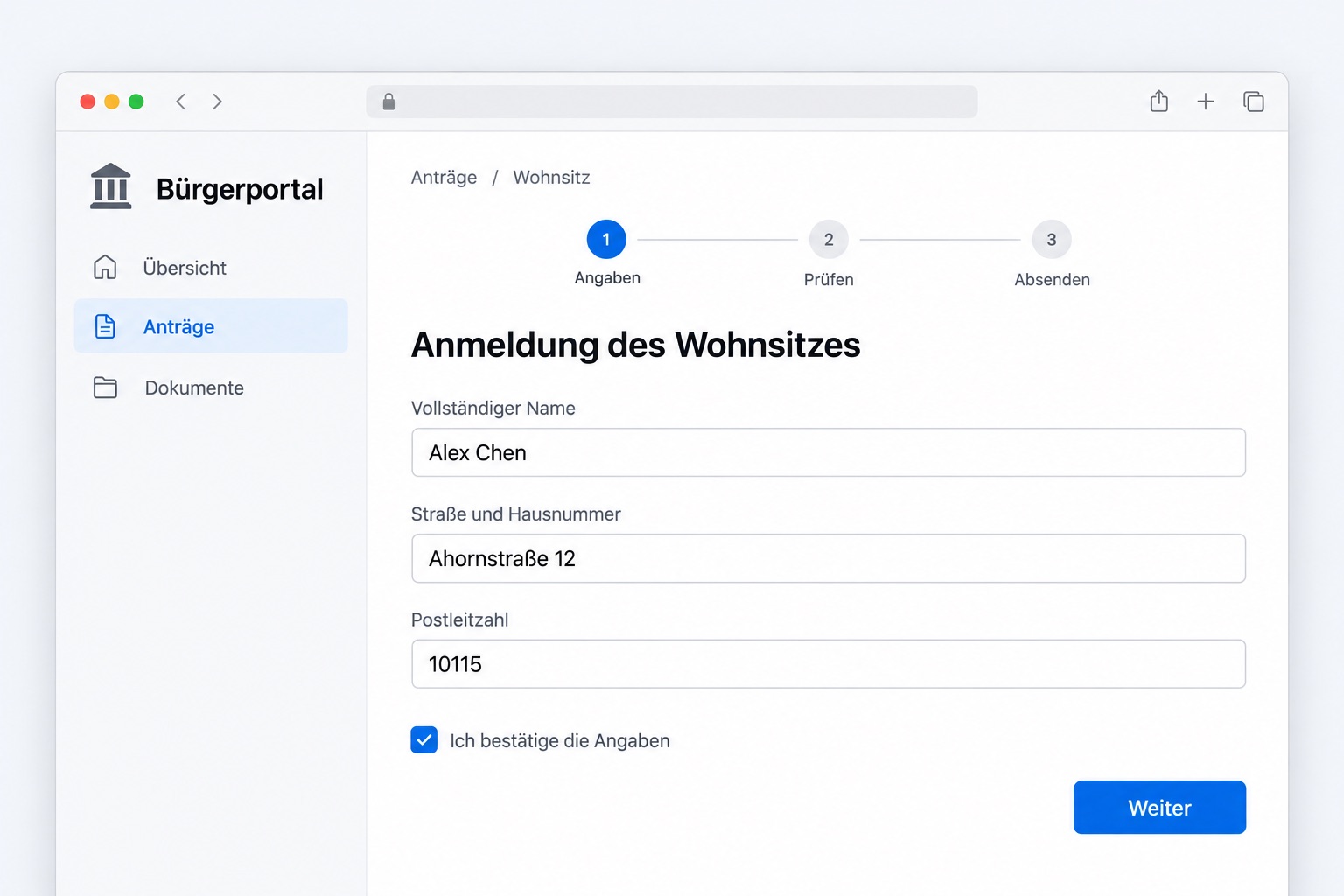
Banking, tax and government apps, or the company tool that only comes in one language. Every label and form, in yours.
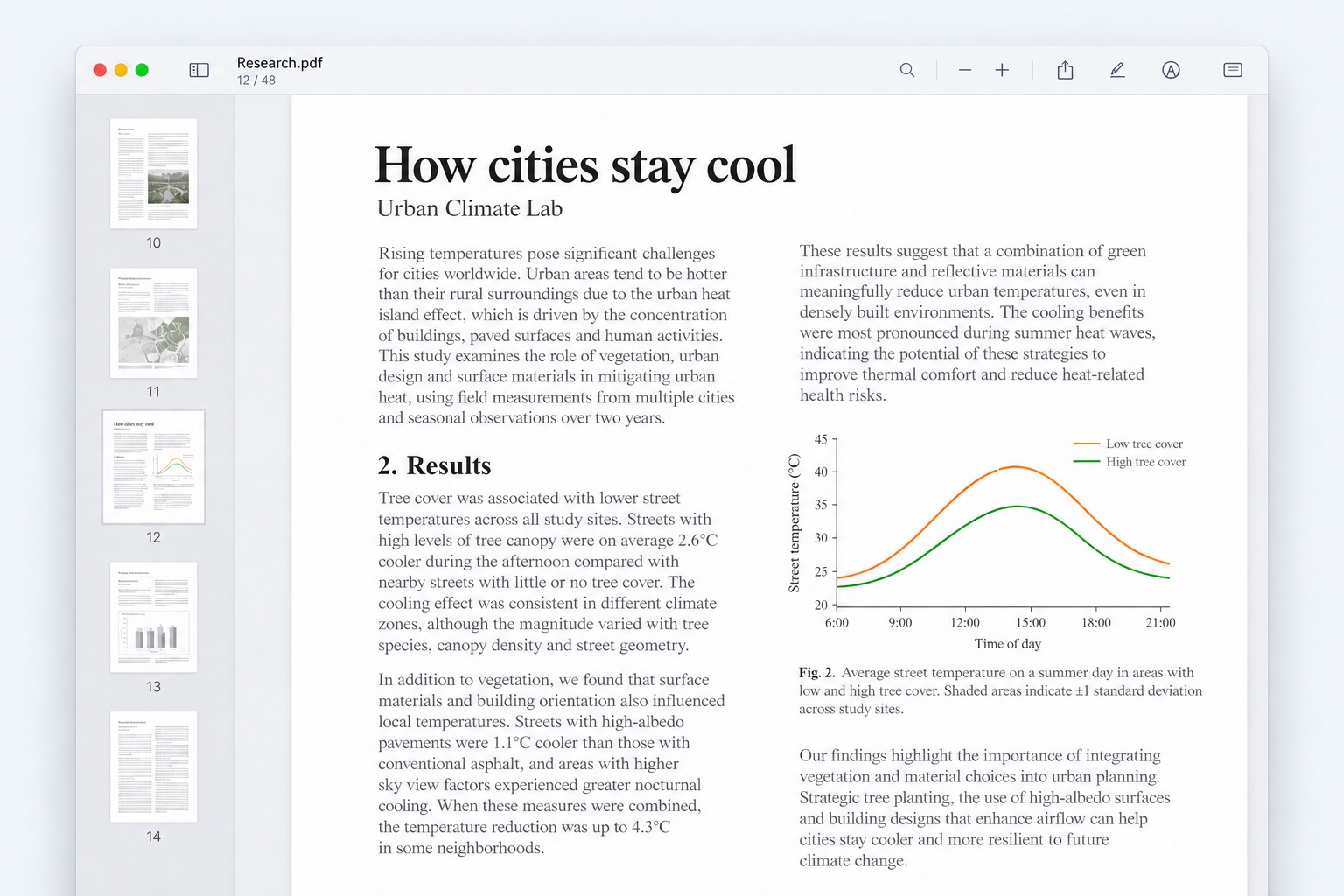
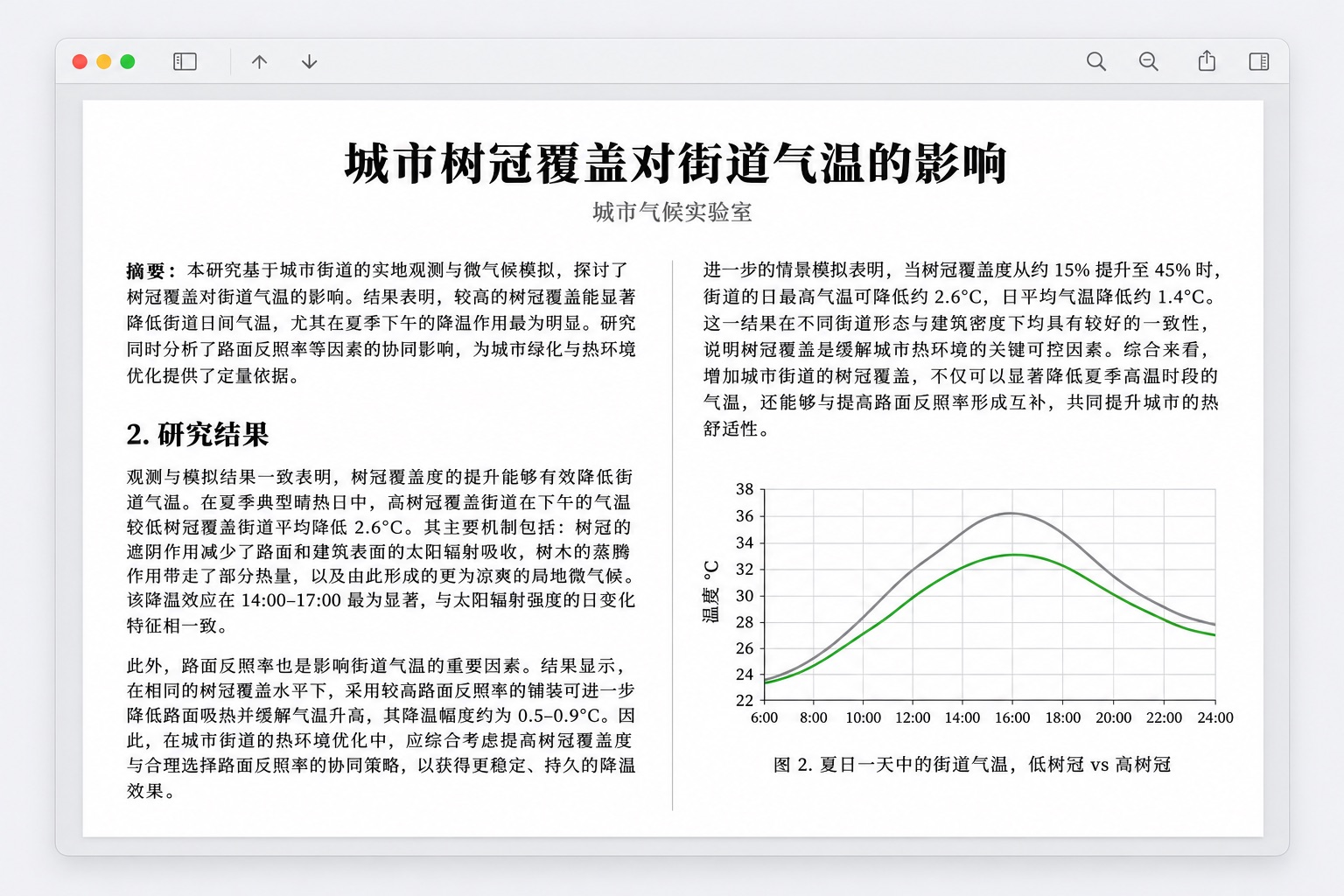
Put the glass over a PDF and read it in your language as you scroll. No export, no upload, no waiting for the whole document.
Park the glass over the chat corner before the match. Whatever they type, you read it while it still matters.
Text in games is read from the screen and translated where it appears, so titles that were never localized are playable.
A screenshot in a chat, a scanned page, a diagram someone shared. Text inside pictures is translated in place too.
How it behaves
The glass changes the language of what is under it and nothing else: not the layout, not the app, not what you were doing.
No selecting, no copying, no switching apps, no spinner. Whatever is under the glass is already in your language, and stays that way as the page changes.
The glass takes no clicks. Type in the box under it, scroll, press buttons; the translation follows along.
Translations move with the app's own text while you scroll. The glass re-reads the app ten times a second, so new text is caught as it appears.
Rest on any translation to see the original underneath it. Select and copy translations like normal text.
Skip images, input fields or code. Keep names and your own terms exactly as written.
Engines and privacy
The translation models built into macOS: a paragraph is translated in less time than it takes to read it.
An OpenAI-compatible or Anthropic endpoint with your own key. Slower than on-device, sometimes worth it for the wording.
Languages
Whatever language is under the glass, read it in any of these. With your own model, the list is open.

$4.99 USD, one-time. Use Transparent on up to 3 Macs. Your activation code arrives by email after payment.
Requires macOS 15 or later · Apple silicon and Intel Macs
Pay by card, Apple Pay, Google Pay or WeChat Pay. Available methods, final amount and applicable taxes are shown at checkout.
Already have a code? Download the Mac app and activate it in Settings → License.